How to Pack Electronics for Moving? 7 Expert Tips
Learn how to pack electronics for moving with expert tips. Protect devices using safe packing methods and ensure damage-free relocation of gadgets. Know More!
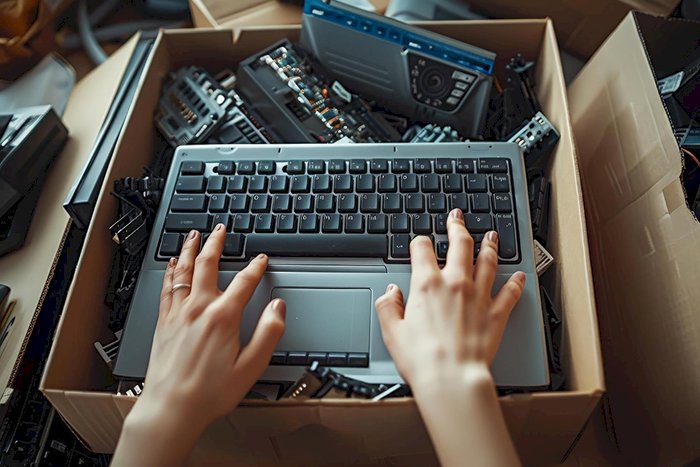
Electronics are among the most delicate items people move from one home to another, which is why careful preparation becomes essential during relocation. How to pack electronics for moving safely usually starts with organizing devices, using protective materials, and properly labeling cables so everything can be set up again without confusion. When these steps are followed from the beginning, the chances of damage during transport become much lower.
Since televisions, laptops, routers, gaming consoles, and desktop computers contain fragile internal components, they require extra attention while packing and handling. Preparing these devices correctly before a move helps protect expensive equipment and ensures they continue working normally afterwards.
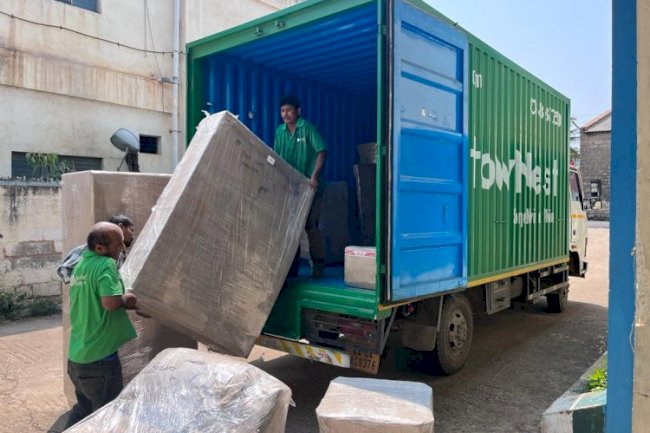
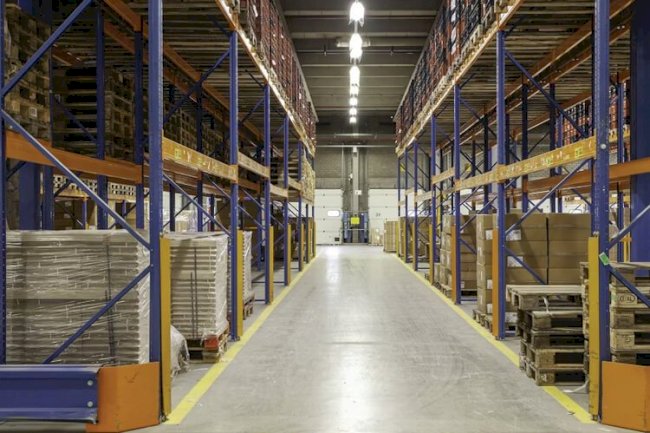
For this reason, many people relocating their homes rely on organized storage and logistics support from providers like StowNest, especially when electronics need careful handling during relocation or temporary storage.
Tips to Pack Electronics for Moving
Back Up Your Data
Before disconnecting any device, back up important data. This step protects personal files, documents, and photos in case a device stops working during the move.
Recommended backup methods include:
-
Cloud storage services
-
External hard drives
-
Encrypted USB drives
Backing up data is one of the most important steps when planning how to pack electronics safely.
Avoid Using Packing Peanuts
Packing peanuts may shift during transportation, allowing electronics to shift within boxes. Movement increases the chance of internal damage.
Instead, use protective materials that keep devices stable.
Recommended packing materials:
-
Anti-static bubble wrap
-
Foam padding
-
Thick packing paper
-
Fitted electronic boxes
These materials provide stronger support when packing electronics for relocation.
Take an Inventory
Creating an inventory helps track every electronic device being moved.
An inventory list should include:
-
Device name
-
Brand and model
-
Serial number
-
Accessories included
Keeping this list simplifies unpacking and prevents items from getting misplaced during transportation.
Many households preparing for relocation services with packers and movers in Bangalore use detailed inventories to organize electronics and accessories.
Label Cords And Boxes
Electronic devices usually come with multiple cables and connectors. Without labeling them, reconnecting devices later becomes confusing.
Simple labeling steps include:
-
Tagging each cable with the device name
-
Placing cables in separate zip bags
-
Attaching bags to the corresponding device box
Clear labeling makes organizing electronics during a move much easier.
Insure Your Electronics
High value electronics should be insured during relocation. Devices such as large televisions, professional cameras, and gaming systems can be expensive to replace.
Insurance coverage protects in case of:
-
Accidental damage
-
Loss during transportation
-
Mishandling during loading
People working with professional relocation providers such as packers and movers in Chennai often choose additional insurance for sensitive equipment.
Pack Devices In Layers
Layered packing protects electronics from impact during transport. This approach helps stabilize devices inside boxes and prevents internal parts from shifting.
A proper layered packing method usually follows this order:
Layered protection is an essential step when learning how to pack electronics for moving.
Keep Your Warranties And Owner’s Manuals
Many electronics include warranty documents and user manuals. These documents help with troubleshooting, repairs, or warranty claims.
Instead of placing them randomly in boxes, store them in a single labeled folder.
Recommended document storage:
-
Warranty cards
-
Purchase receipts
-
User manuals
-
Installation instructions
Keeping these documents organized makes it simpler to set up devices again after the move.
Essential Do’s and Don’ts
When packing electronics for moving, small precautions make a big difference in protecting your devices.
Do’s
-
Back up important data before disconnecting devices.
-
Use anti-static wrap, foam padding, and strong boxes.
-
Label cables, chargers, and device boxes clearly.
-
Keep accessories and remotes in labeled bags.
Don’ts
-
Do not place loose items inside electronic boxes.
-
Avoid packing electronics with heavy household items.
-
Do not leave empty space inside boxes where devices can shift during transport.
Move Your Electronics Safely With the Right Preparation
Careful planning makes a significant difference during relocation. Backing up data, labeling cables, and using protective packing materials lower the risk of damage during the transportation of electronic devices.
Preparing devices properly also saves time when reconnecting electronics in your new home. Organized packing and careful transportation help protect expensive equipment and prevent unnecessary repair costs.
For people planning a move and needing additional support,we at StowNest provide services with structured storage and logistics solutions that help keep belongings safe throughout the moving process.
Need help protecting your electronics during a move? Explore secure moving and storage solutions with StowNest today. For details call at +91-80888-87750
What's Your Reaction?